
Objective
The goal of the Empathize stage was to better understand how people experience journaling in their everyday lives. We didn’t want to design based on assumptions. We wanted to hear real stories, why people journal, why they don’t, what makes it hard, and what makes it meaningful.
Through interviews, we discovered that starting is often the biggest barrier. We also saw how important privacy, emotional safety, flexibility, and habit formation are in a journaling experience. This stage helped us define real user needs before jumping into solutions.
AI Usage
During this stage, I used ChatGPT to help organize and make sense of our interview notes. AI didn’t replace our thinking, it helped us move more efficiently and structure our ideas more clearly.
I mainly used AI to:
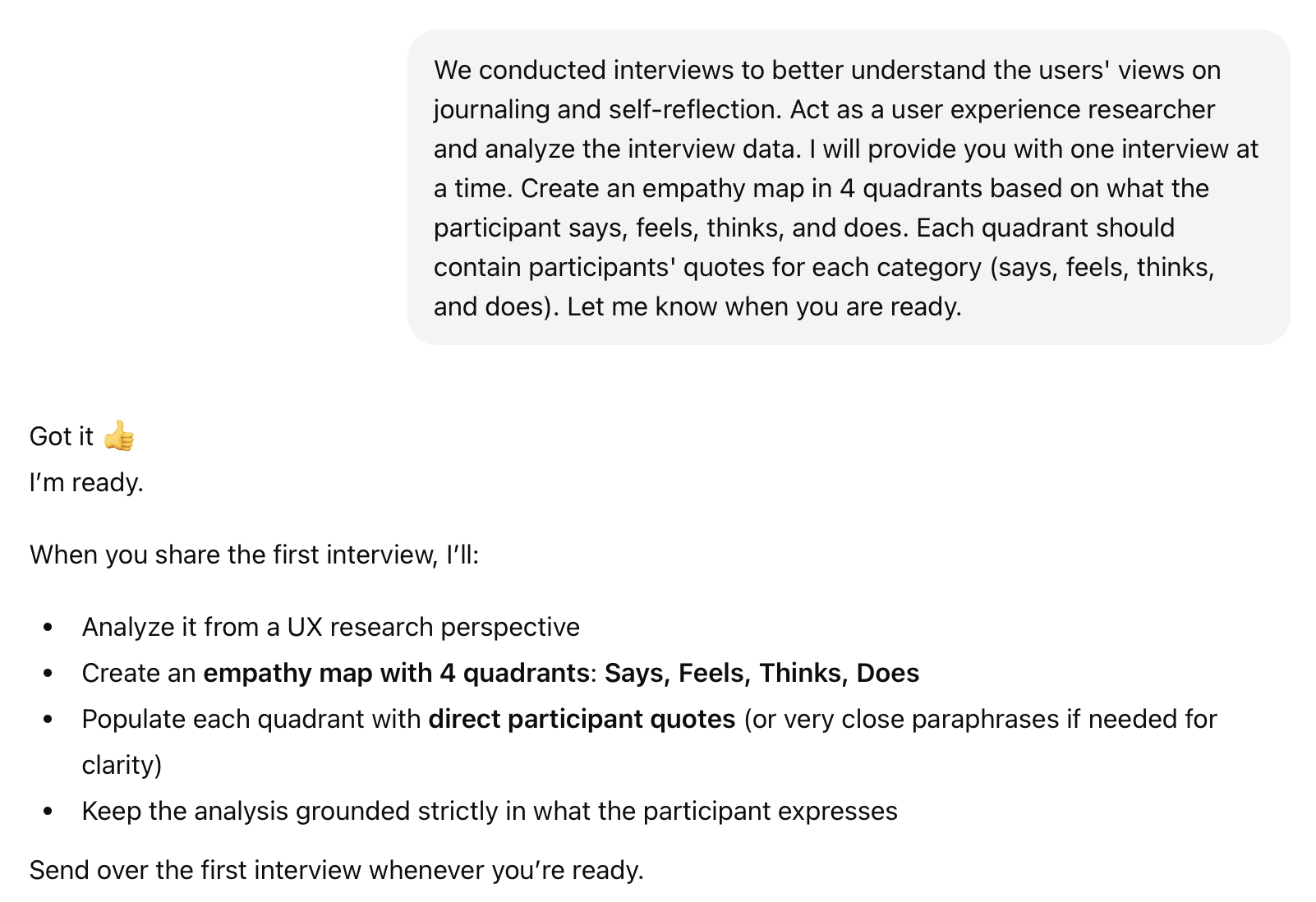
- Analyze interview transcripts and generate empathy maps
- Summarize responses into key themes
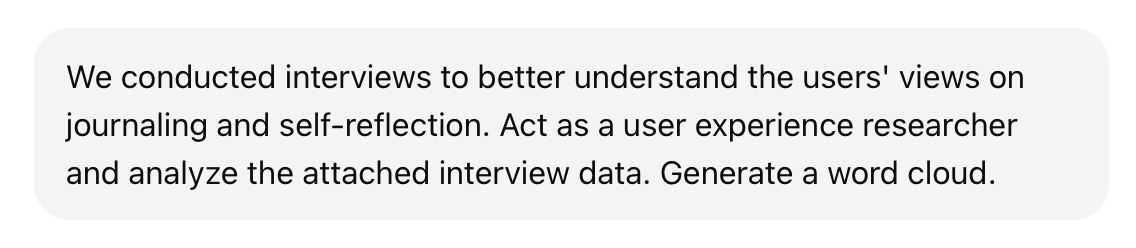
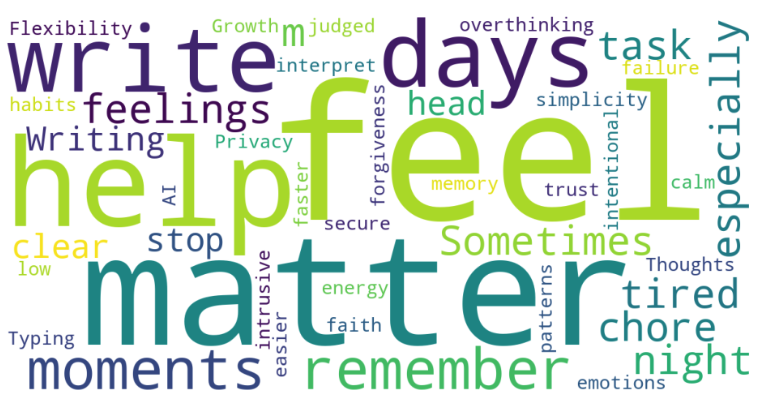
- Create a word cloud from recurring language
- Simplify and clarify written insights
Empathy Map Prompt
Word Cloud Prompt
Benefits & Challenges
Using AI during this stage felt like having an additional team member, especially when things started to feel overwhelming. After our interviews, we had a lot of notes and long responses. It was intimidating to know where to begin. AI helped organize everything into clearer sections, like empathy maps and themes. It gave me a structured starting point and made the design thinking process feel more manageable.
AI was especially helpful in spotting patterns. When I asked it to summarize themes, it helped highlight repeated ideas like consistency struggles, privacy concerns, and the need for low-pressure reflection. This allowed our team to step back and see the bigger picture faster.
At the same time, we had to be very careful. AI sometimes adds extra wording or “filler” that sounds insightful but wasn’t actually said in the interview. In some cases, it can unintentionally fill in gaps with information that wasn’t originally included. Because of that, we made it a priority to validate everything AI generated. We always double-checked outputs with the original responses to ensure accuracy and avoid misrepresentation.
To reduce these issues, I was intentional about how I structured prompts. I followed the anatomy of an AI prompt: Context, Role, Action, and Output. Instead of vague and generic requests, I:
- Gave clear context about the interview
- Assigned AI a specific role (“Act as a UX researcher”)
- Clearly stated the action (“Generate an empathy map”)
- Defined the output format
This approach reduced filler language and helped keep insights grounded in real user data.
Reflection
AI served as an assistant, not a designer. The participants shared their lived experiences. Our team conducted interviews, interpreted emotions, and made final decisions about themes and insights. AI helped us organize, summarize, and structure the data, but it did not replace human judgment.
This stage reminded me that empathy requires listening and interpretation. AI can organize information, but it cannot fully understand emotion or lived experience. The most meaningful insights came from conversation and reflection as a team. Using AI thoughtfully made the process more efficient, but the insight still came from people.