Paper Prototype
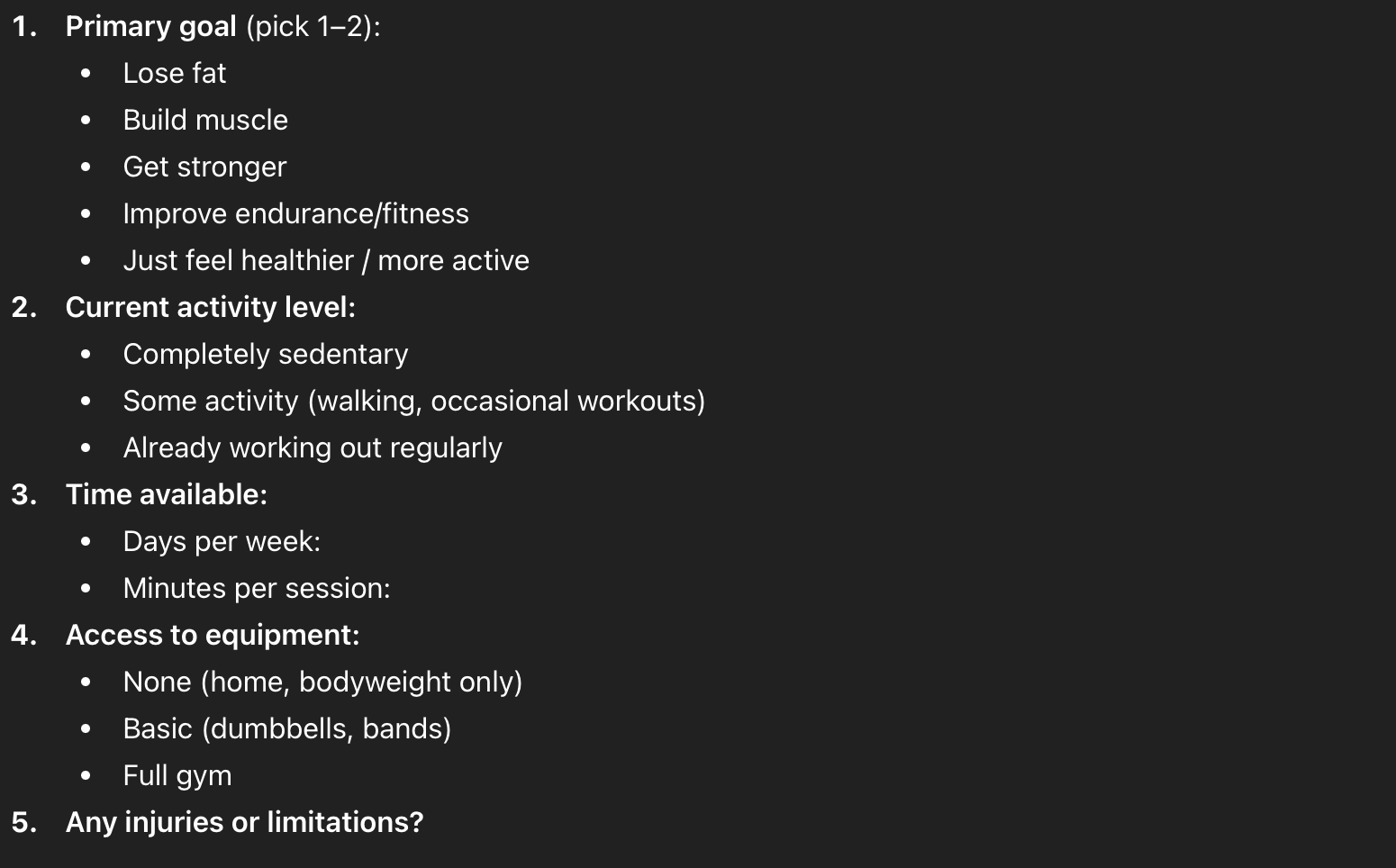
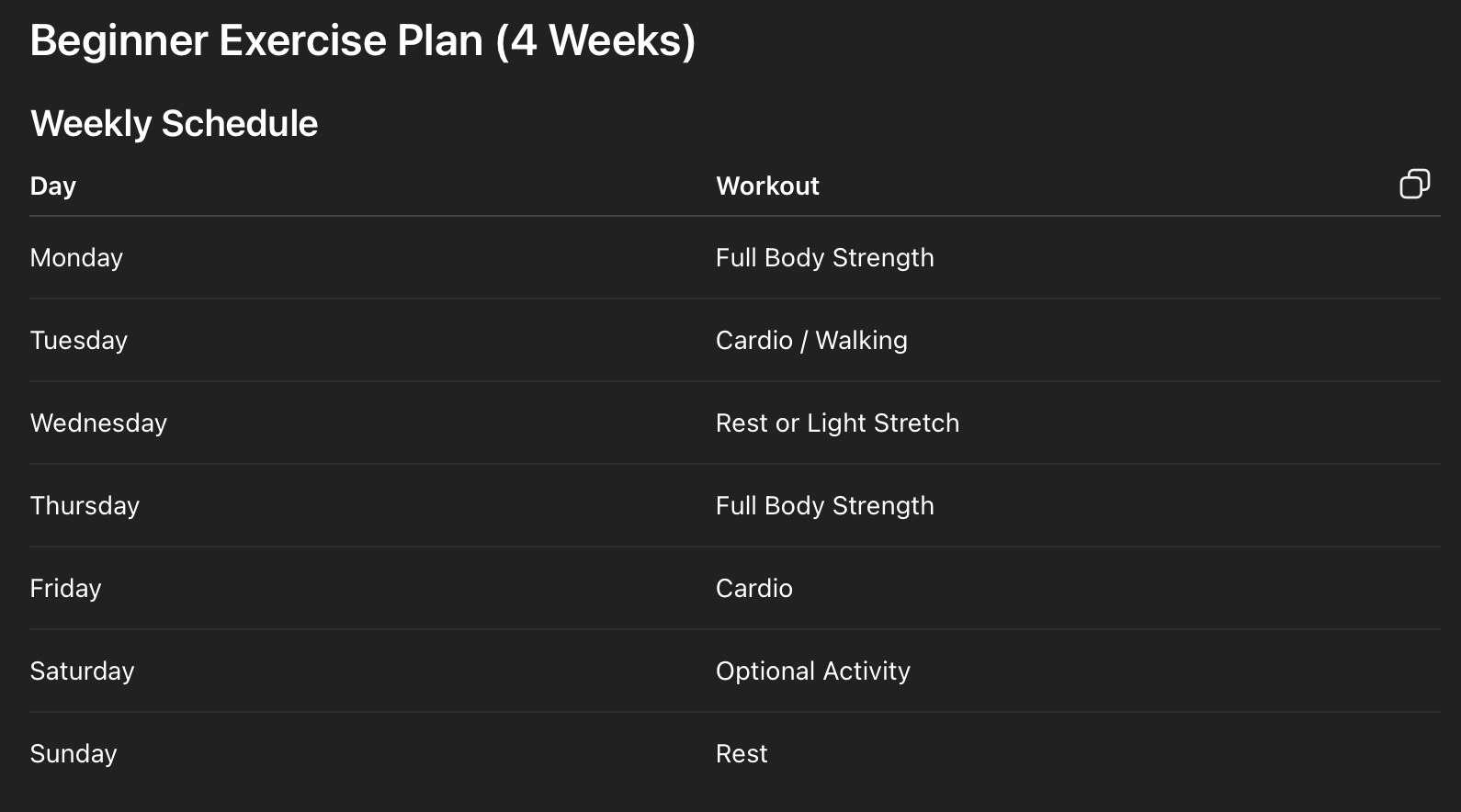
During the Prototype phase, my goal was to develop how the app will function and if those functions make sense to the user. It was interesting to use the paper prototype as a means of exploring a low fidelity prototype. I was really forced to look at everything with the idea of how it would actually function instead of how it would look. I worked on a lot of sketches before I realized that my user flow needed to be refined. After help from the professor, I had a user flow that was streamlined and focused on aspects such as receiving exercise feedback, creating a personalized plan, and viewing progress. I wanted to do something for notifications where the AI learns how and when to push notifications, but there isn’t a clear way to represent a background function. Instead, I included the option to create a personalized plan. The new user flow helped to guide me through the process of sketching my screens. When I was brainstorming what some of my screens needed, I prompted ChatGPT. For example, I wanted to know what kind of questions could help AI to develop a personalized plan, so I could represent that information in a sketch. I prompted Chat GPT to act as a personal trainer and said I wanted to create a personalized exercise plan. It really helped me understand what kind of information my app needed and also what kind of questions users would be asked, so I could visually organize my screens in relation to the process. I also asked for different ways to view exercise progress because I wasn’t sure what I needed for a progress screen.
Prompt
I would like to start exercising. Act as a personal trainer. I want to develop a personalized exercise plan.
Cognitive Walkthrough
I also developed tasks and steps for the cognitive walkthrough. I worked to refine a few of the tasks; I had to make sure each was an achievable goal and not something like “view progress”. The process of actually carrying out the task with participants was fairly straightforward. I would remind them of their task every so often, but they were pretty quick to identify the correct action. However, I found a few instances where my wording was misleading. For example, a participant tapped on “new exercise” to create a new plan. “New exercise” referred to the new exercise the system was recommending, not the ability to create a plan. I also had an instance where a user wasn’t sure what happened after pressing a button. In general, I need to watch how and what I label to prevent confusion and include interactions that let users know what is going on
Reflection
Overall, the paper prototype was helpful in developing my key screens. It was nice how it acted as both a way to sketch and test my idea. I was unsure about the cognitive walkthrough, I had never heard of paper prototyping. However, it proved valuable and gave me more ideas to refine and add to my app. Also, ChatGPT helped me establish important information within the app. When I was at a loss about how and what to display on a screen, it provided useful information.